Smart Email Categorization: The Complete Guide to Reclaiming Your Inbox

Learn how AI-powered categorization reduces cognitive load and helps you focus on what actually matters.
Your inbox is a to-do list that anyone in the world can add to. Think about that for a moment—it's a terrifying thought. Without a system, you're constantly reacting to other people's priorities instead of focusing on your own.
Smart Categorization is the defense system modern professionals desperately need. It's not just about folders; it's about achieving mental clarity and protecting your deep work.

The Hidden Cost of Inbox Chaos
According to the Inbox Zero methodology popularized by productivity expert Merlin Mann, the "zero" doesn't refer to the number of emails—it refers to the amount of mental energy you spend thinking about your inbox.
Cognitive load theory, developed by educational psychologist John Sweller, explains why email chaos is so destructive:
- Our brains have limited working memory
- Every time you see an unread newsletter next to an urgent client request, your brain micro-switches contexts
- This creates "attention residue"—cognitive leftovers that reduce your ability to focus
- Studies from Cal Newport show that context-switching can cost you up to 23 minutes to fully refocus
The solution? Stop treating your inbox as a single stream and start treating it as a dashboard.
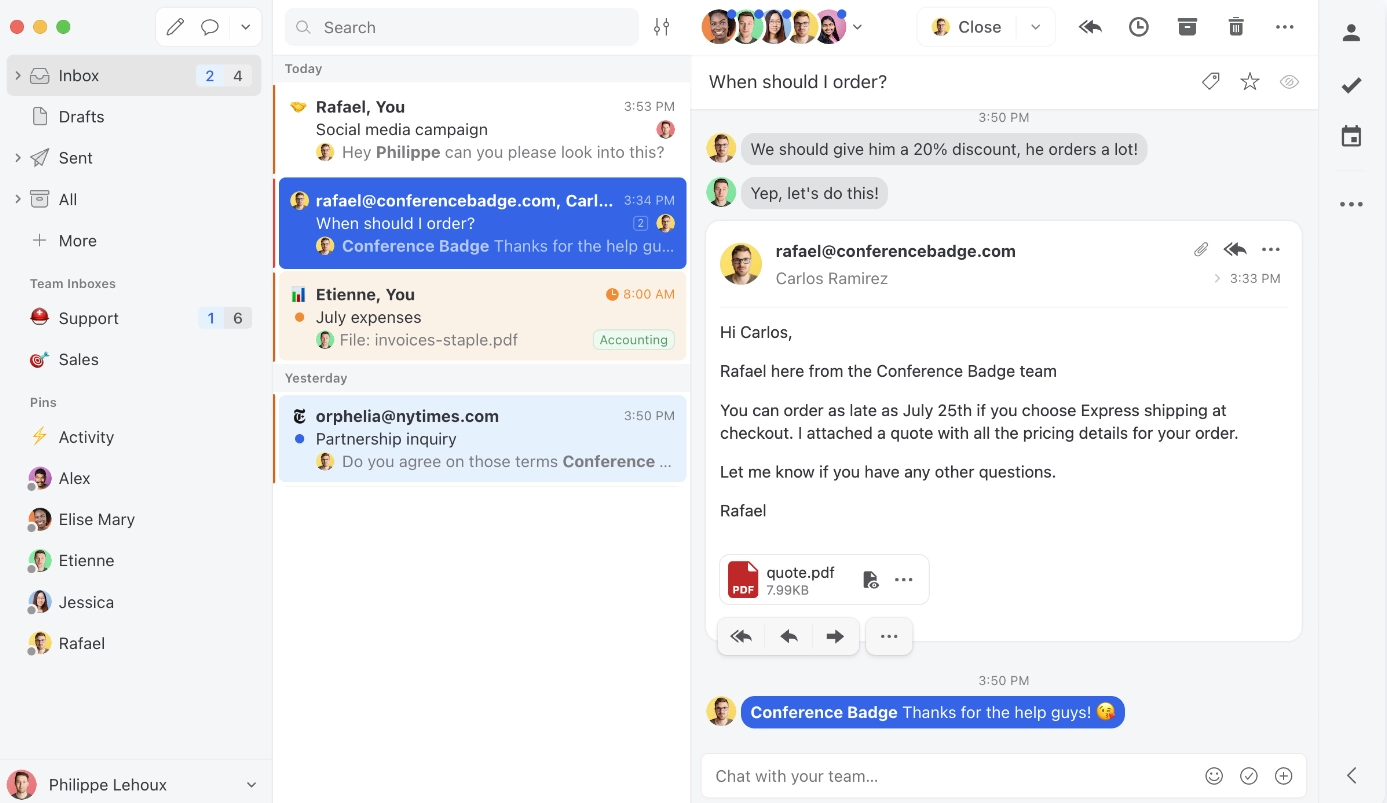
How Smart Categorization Works
Instead of one overwhelming inbox, imagine your email organized into clear zones:
Priority Zone
- Client communications and active project threads
- Team updates and meeting requests
- Urgent alerts that need immediate attention
Reading Zone
- Industry newsletters and thought leadership
- Product updates from tools you use
- Curated content you've subscribed to
Notification Zone
- Automated alerts from Slack, Asana, Jira
- Purchase receipts and shipping confirmations
- Calendar invites and reminders
Low Priority Zone
- Cold outreach and sales pitches
- Promotional emails from past purchases
- Social media notifications
The Getting Things Done Connection
Smart categorization aligns perfectly with David Allen's Getting Things Done (GTD) methodology. As Allen famously wrote:
"Your mind is for having ideas, not holding them."
The GTD framework suggests five actions for processing any input:
- Delete — Remove it completely
- Delegate — Forward to someone else
- Do — Handle immediately if under 2 minutes
- Defer — Schedule for later
- Archive — Store for reference
Smart categorization automates the initial sorting, so you can apply GTD principles to emails that actually matter.
The Science of Visual Organization
Research in visual hierarchy and UX design shows that our brains process organized information dramatically faster. Consider:
| Inbox State | Time to Find Important Email | Stress Level | |-------------|------------------------------|--------------| | Unsorted (500+ emails) | 5-10 minutes | High | | Folder-based (manual) | 1-3 minutes | Medium | | AI-categorized | 5-15 seconds | Low |
Setting Up Your Smart Categories
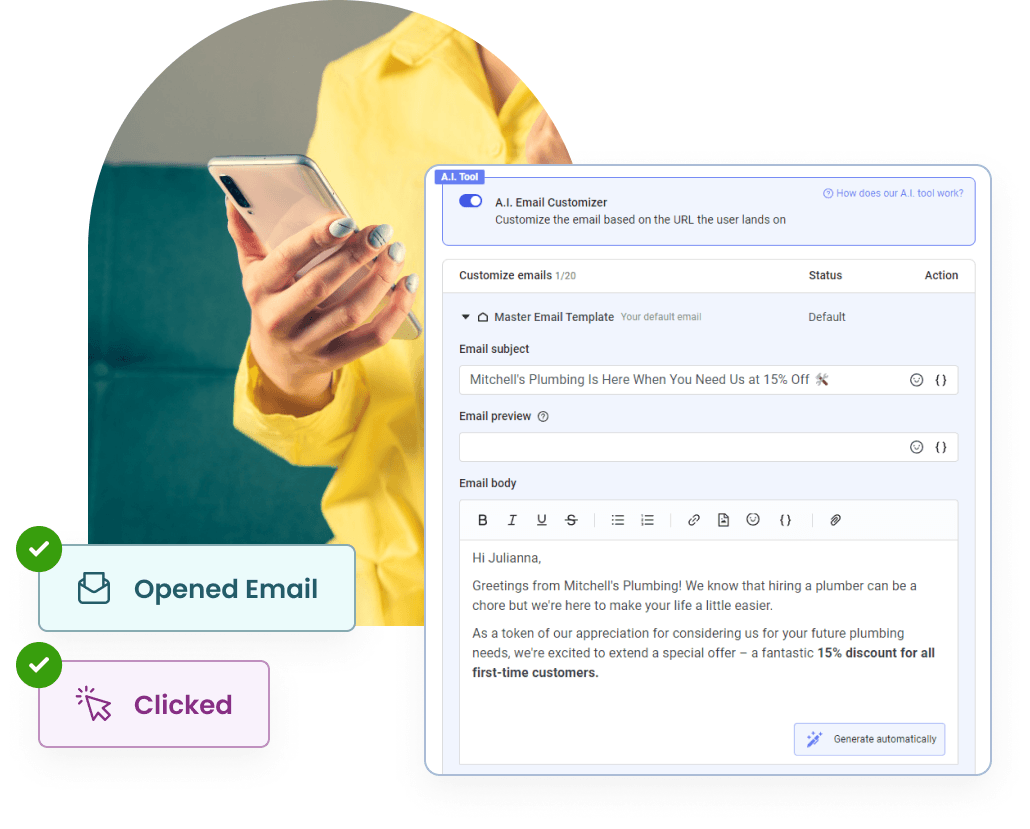
You don't need to spend hours creating folders. Mailsmart's AI comes pre-configured with intelligent categories that learn from your behavior.
Step 1: Connect Your Account
Securely link your Gmail or Microsoft Outlook account using OAuth. Mailsmart never stores your password.
Step 2: Watch the Magic
Our AI back-scans your last 30 days of email to understand:
- Who you communicate with most frequently
- Which senders you always open vs. ignore
- What types of content you engage with
Step 3: Refine with Simple Gestures
The AI learns in real-time:
- Drag a newsletter from Priority → Reading List, and it learns instantly
- Mark a sender as VIP, and all their future emails get priority
- Bulk-archive notifications from a specific app, and similar ones follow
Advanced Strategies
For power users looking to maximize productivity:
Time-Blocking Integration
Pair smart categorization with time-blocking techniques:
- Check Priority Zone every 2 hours
- Process Reading Zone once per day (maybe during lunch)
- Review Notification Zone at end of day
- Ignore Low Priority until weekly review
The Weekly Email Review
Following GTD's Weekly Review practice:
- Archive or delete anything older than 7 days
- Review "Waiting For" items that haven't received responses
- Adjust categorization rules based on patterns you notice
Results You Can Expect
Users who implement smart categorization report:
- 2-3 hours saved per week on email management
- Significantly reduced stress and email anxiety
- Faster response times to important messages
- Better focus during deep work periods
"A categorized inbox is a calm inbox. You know exactly where everything is, and more importantly, where everything isn't."
Start Today
Stop letting your email dictate your day. Try Mailsmart free and experience what it feels like to have your inbox actually work for you.
Further Reading:
- Deep Work by Cal Newport — The science of focused productivity
- Getting Things Done by David Allen — The original productivity methodology
- Inbox Zero Original Article — Merlin Mann's foundational concept
Get your inbox to Zero.
Join thousands of professionals saving 10+ hours a week with Mailsmart.
Start Free Trial